Google Wave is not available to everyone just yet. It is currently in a limited preview. So I was surprised when I saw a comprehensive guide (book) to Google Wave. I thought the book was just another social media tools or stuff, you know, like the ones social media marketers on Twitter are tricking you t buy. I’m glad I did a quick scan (yup, quicker than a quick skim) over the chapters.
Okay basically i have Two things to share with you friends:
1. The book looks great. Google Wave is a complex web application and has a reputation of being difficult to understand. But the book makes Google Wave easier to understand. It lives up to its title being comprehensive. From setting up your Wave account and creating your first wave to adding interactive content to your waves with gadgets, the book guides you complete with screenshots as visual aid.
2. The book is free! Its contents are freely available to view online.
Here are some screenshots from the book:
Rich text-editor
Files/file sharing
Slideshow
Google Wave is still an incomplete web application and technology. And there’s still a lot to learn about it. The book will be a continuous collaboration as Google Wave evolves. Try out The Complete Guide to Google Wave.
The Complete Guide to Google Wave is an unofficial guide to Wave written by a community of contributors and edited by Gina Trapani with Adam Pash.
The Wave preview is pre-beta software, with lots of missing functionality. This appendix is a quick list of 14 things what you can't do yet in Wave.
Currently, in the Wave preview you cannot:
1. Disable real-time, keystroke-by-keystroke live-typing in draft waves, then post them to the hosted conversation by clicking Done (this feature is forthcoming)
2. Remove participants from a wave if that participant is not a bot (this feature is forthcoming)
3. Make a wave read-only (Google "looks forward to offering this functionality in the future.")
4. Ctrl+Z (Undo) changes as you're editing a wave
5. Copy gadgets; the menu item is disabled in the date drop-down menu, a likely indicator this is forthcoming
6. Cut blips into other waves (Wave surgery). Google has said that this is coming
7. Hide or expand all inline blips; the menu item is disabled in the date drop-down, a likely indicator this is forthcoming
8. Diff revisions that aren't sequential in playback
9. Set your status to invisible or away (if you're online you've got the green dot whether you like it or not)
10. Merge waves or blips
11. Organize your contacts into groups
12. Rearrange blips' vertical order
13. Delete waves or remove participants from waves (both promised)
14. Prevent someone you added as a participant form making the wave public, and thus exposing a potentially private conversation.
Google pulled the wraps off of Chrome OS today, and while there isn't a general availability announcement today, they spoke briefly about the Chrome browser (Linux and Mac versions due this year, along with support for extensions) before diving into the nascent OS. You can expect to see Chrome ship in about a year, and showed the first glimpses of the new OS, details about the architecture, the hardware it will run on, and gave us the first hints about what the Google Cloud OS will really look like.
Here's why Chrome OS won't be replacing Windows anytime soon.
Chrome OS is a hardware platform as well as an OS
Chrome will have very specific platform requirements. It won’t run on machines with physical hard drives, only SSDs. Only certain Wi-Fi chipsets will be supported. Chrome OS will also have requirements for screen size, a full-sized keyboard, and a decent sized touchpad. They demoed Chrome OS working on an eeePC today, and said that you'd be able to upgrade some netbooks on the market today using a screwdriver.
Google didn't announce hardware specs, but confirmed that Chrome OS will work with x86 and ARM-based machines, and is designed with the 802.11n Wi-Fi spec in mind.
Chrome is Open Source
Chrome OS uses code from Linux, Webkit, Ubuntu, and Moblin. It's based on what seems like a heavily modified Linux kernel. While there's no beta announcement today, the code is open source as of today, so people can download and work on the code, as well as contribute submissions back to the project.
The Chrome Browser is the Primary Interface
If you've used the Chrome browser, Chrome OS will look very familiar to you. There is no conventional Desktop, so to speak. The browser window is your web interface, file explorer, and web app launcher. You can open multiple Chrome windows (think multiple desktops), each with their own set of tabs and swap between them from an even zoomed out further desktop.
Data is Stored in the Cloud
While the user can save data locally, whether it's photos, videos, etc, everything in the user's /home folder is synced to the cloud. The local copy is just a cache, presumably to allow you to use the netbook offline or where there's poor Internet. This is very similar to the thin clients that Sun pushed in the late 90s, in that there are relatively slow computers with ubiquitous network connections that rely on the Internet for most of their usability.
When you use any Chrome OS device, you log in and all of your data is there immediately. This means that presumably you log into your Chrome machine using your Google account. Of course, the big question is what happens when Google's servers go down. How accessible will your data be when you're away from the Internet for a few days?
Chrome OS uses a New Security Model
Because the Chrome browser is the OS, users don't have access to the root folders of the machine. You won't be able to install applications on the OS, but there will be a plugin/extension architecture, presumably that works with extensions similar to the Chrome browser.
The OS kernel and browser will be digitally signed, so the OS will be able to check itself at boot. (Web apps won't require digital signatures.) If it detects something amiss, it will simply restore the affected areas of the OS, leaving your home partition alone. The OS will also automatically update at launch, during its verified boot.
Chrome OS is for Secondary Computers
Google doesn't anticipate Chrome OS being used on your desktop PCs (at least, not yet). Dual-boot will not be possible, and it won't work with your third-party peripherals that use non-standard drivers. Keyboards, mice, and USB hard drives will work, but it's extremely unlikely that you'll be able to sync your iPhone with Chrome OS. They say that they'll have a novel solution for printing in the future.
Chrome OS Runs Web Apps Exclusively
We've said it before, but we'll say it again now. The only native app for Chrome OS is the browser. There's no mail application, no control panels, no application launcher outside of the browser. The OS is the Chrome browser--anything you can run in the Chrome browser runs inside that. Google showed web Excel from Microsoft and specifically mentioned Yahoo and other providers during the demo. Anything that runs in the Chrome browser on Windows, will run on Chrome OS. All of the applications you'll run on Chrome OS are web applications.
During the Q&A Michael Arrington explicitly pointed out that this strategy exactly mirrors Steve Jobs' comments during the initial iPhone launch. The response? The iPhone has native apps, Chrome OS only has a browser.
Chrome is more like a TV than a Computer
It's instant-on, cold booting in about 7 seconds, and on the desktop about 3 seconds after that. This is why they're using a unique platform, so they control the hardware and software and can get performance and experience they need.
Here's Google's over-simplified explanation of Chrome OS:
Google Image Swirl is still brewing to perfection in Google Labs but we can already have a taste of it now.
In a nutshell, Google Swirl makes image search a better and faster experience. Similar images are all grouped together according to relevancy, and pictures similar to those in the group would then branch out into a smaller group. The process goes on until there’s no result for another similar picture.
For example, typing “Google” into the search box would give us…
12 Google images:
Clicking on one of the images would produce a “swirl” effect:
“Image Swirl expands on technologies developed for Similar Images and Picasa Face Recognition to discern how images should be grouped together and build hierarchies out of these groups. Each thumbnail on the initial results page represents an algorithmically-determined representative group of images with similar appearance and meaning. These aren’t just the most relevant images — they are the most relevant groups of images.
Image Swirl currently works for more than 200,000 queries and we plan to include more queries in the future. Available queries will auto-complete as you start to type in the search box, similar to Google Suggest.”
Try image swirling today and leave your feedback to Google here!
The colorful doodle on Google's home page on Children's Day Saturday - complete with a peacock and Mahatma Gandhi - is the creation of a 10-year-old Indian student and represents the country's diversity and culture. This is the first time that a 'made in India' doodle is being featured on the popular search engine.
Beating a good 4,000 other competitors, Puru Pratap Singh's doodle is based on the theme 'My India - Full of Life'. Singh is a Class 4 student of Gurgaon, the commercial hub adjoining the national capital.
A Google doodle is a creative Google logo that appears on some special days to commemorate scientific and artistic achievements, historic or seasonal events, and other local occasions.
According to Singh, the G in his doodle stands for the national bird peacock, O stands for wisdom, another O for India's scientific achievement, the next G for Kashmir being India's crown, L for the country's brave defence personnel and E for Mahatma Gandhi's values.
Encapsulating the rich diversity of the country in terms of the different religions practised here, highlighting latest scientific feats and also showcasing Mahatma Gandhi, Singh's winning entry is a riot of colors laden with aesthetics and deep seated meaning - exactly what Google doodles are all about.
"India is a country which has a blend of thousands of traditions and all religions like Hinduism, Christianity, Sikhism and Islam. It has developed a lot in the past few years. The discovery of water on the moon by the Indian scientists is a proof of this fact," Singh said.
"Indian culture is as vibrant as the colours of the peacock. Kashmir, the crown of India, is as serene as the peace bird and as pure as the lotus. We, the Indian citizens are also trying to fulfil Mahatma Gandhi's dream of educating each and every Indian child," he added.
In August this year, Google India decided to unleash the creativity of thousands of children in India with a doodling competition called Doodle4Google.
Open to students from Class 1 to 10, the contest was judged by a panel of judges that comprised renowned cartoonist N. Ponnappa, artist Raghava K.K. and the faculty of the National Institute of Design, Ahmedabad.
For over a decade, Google has been designing doodles for its home page and Dennis Hwang - the master doodler - has been driving this innovation.
Besides having his doodle featured on the Google home page all day on Children's Day, Singh has also been awarded a laptop, a T-shirt with his doodle and a Rs. 100,000 technology grant for his school.
Google’s doodles have never failed to add colors to our lives.
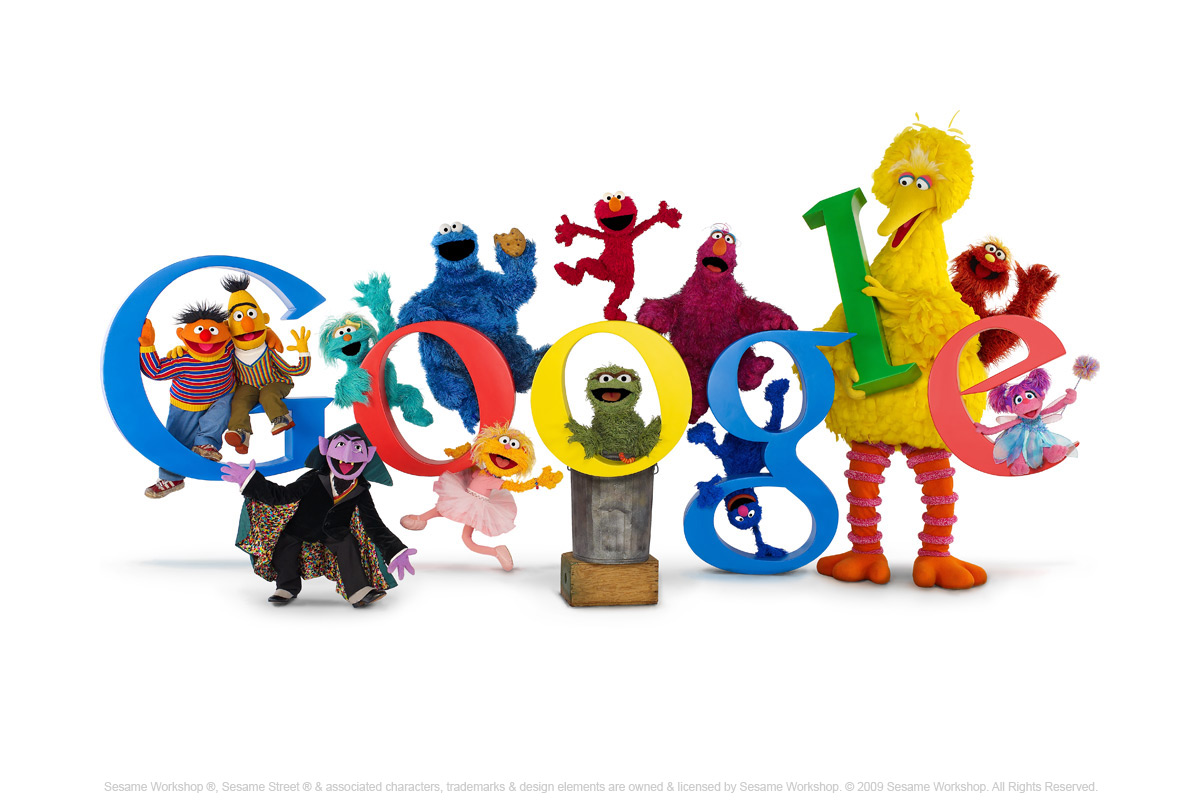
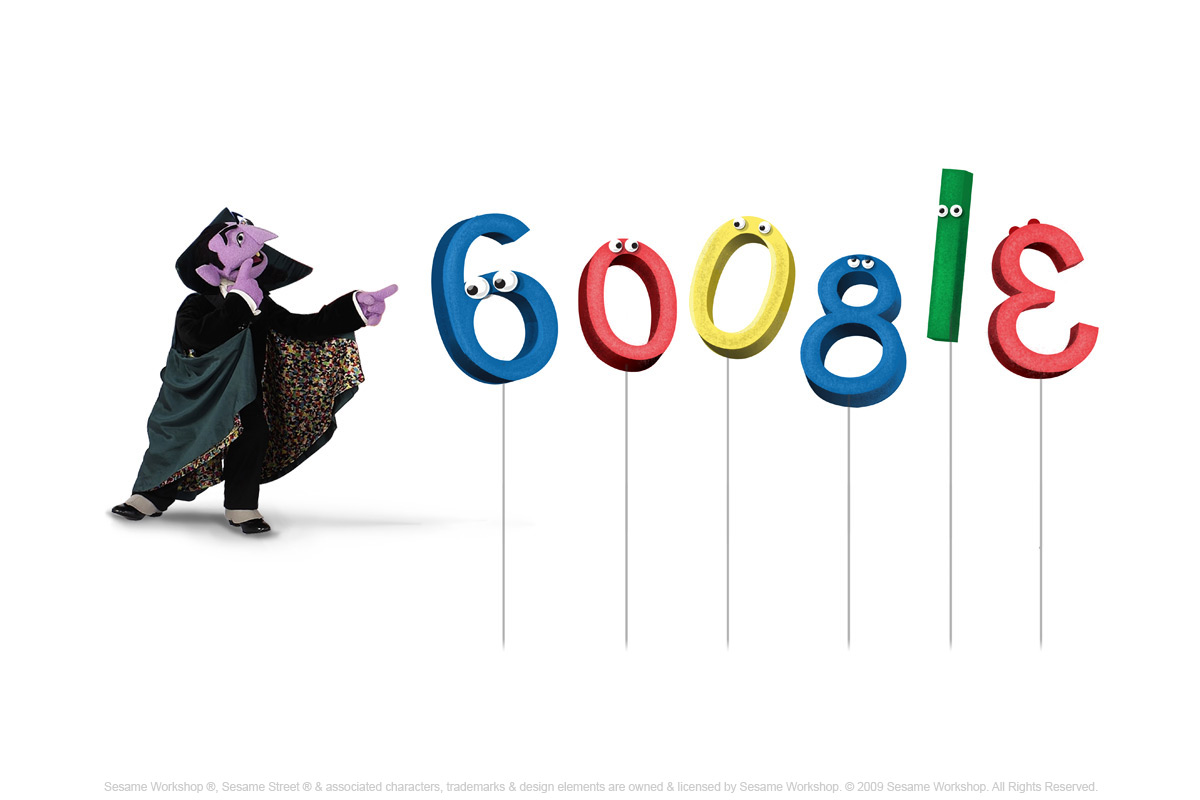
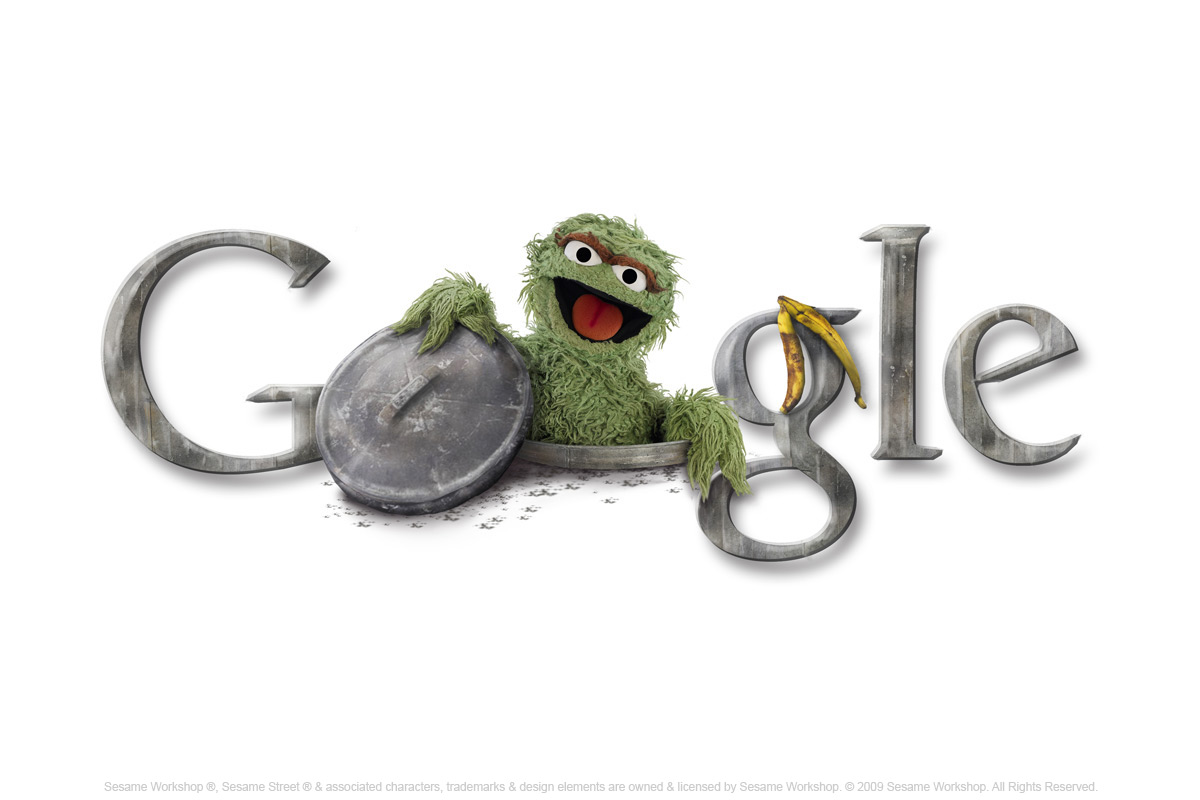
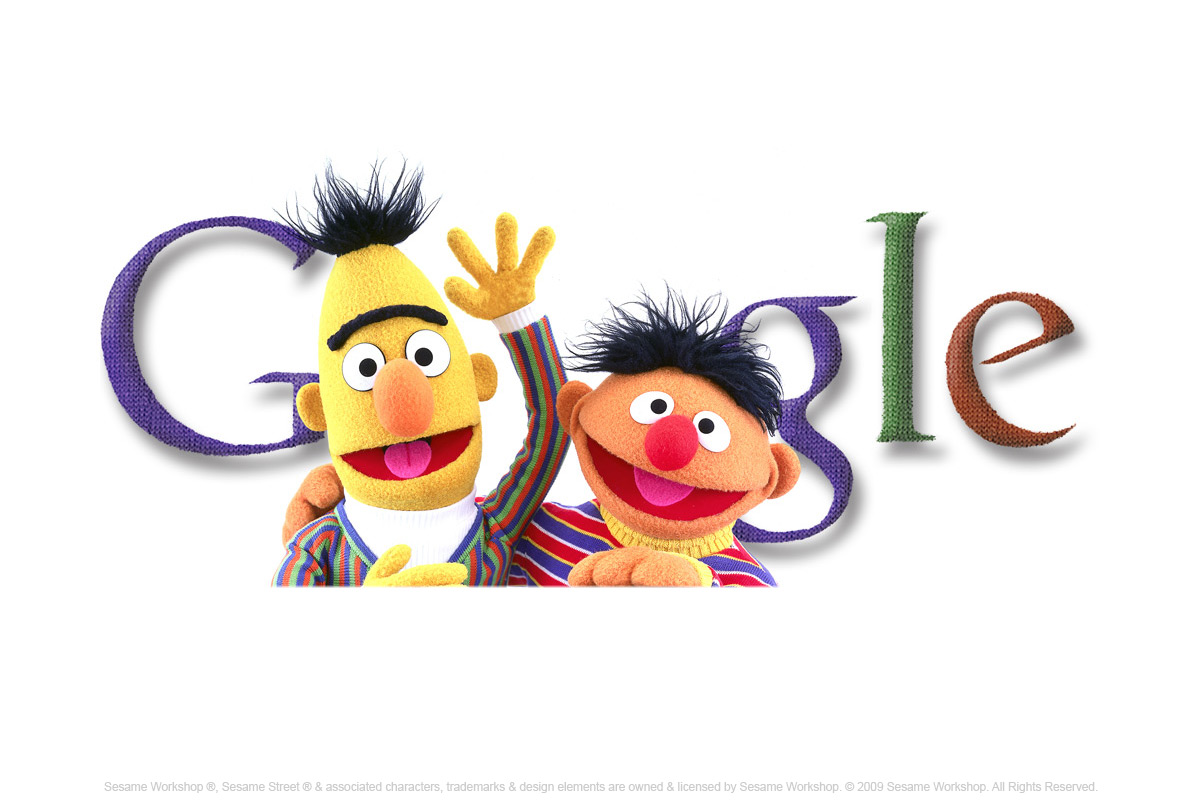
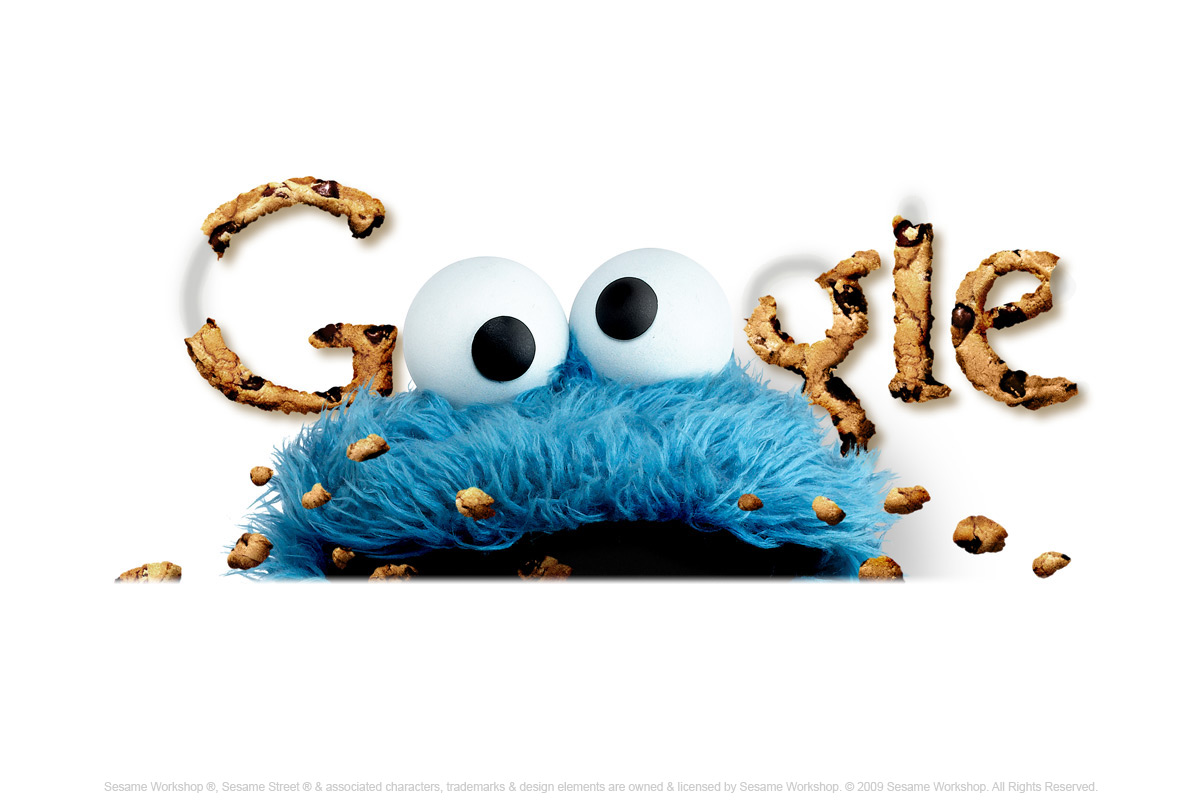
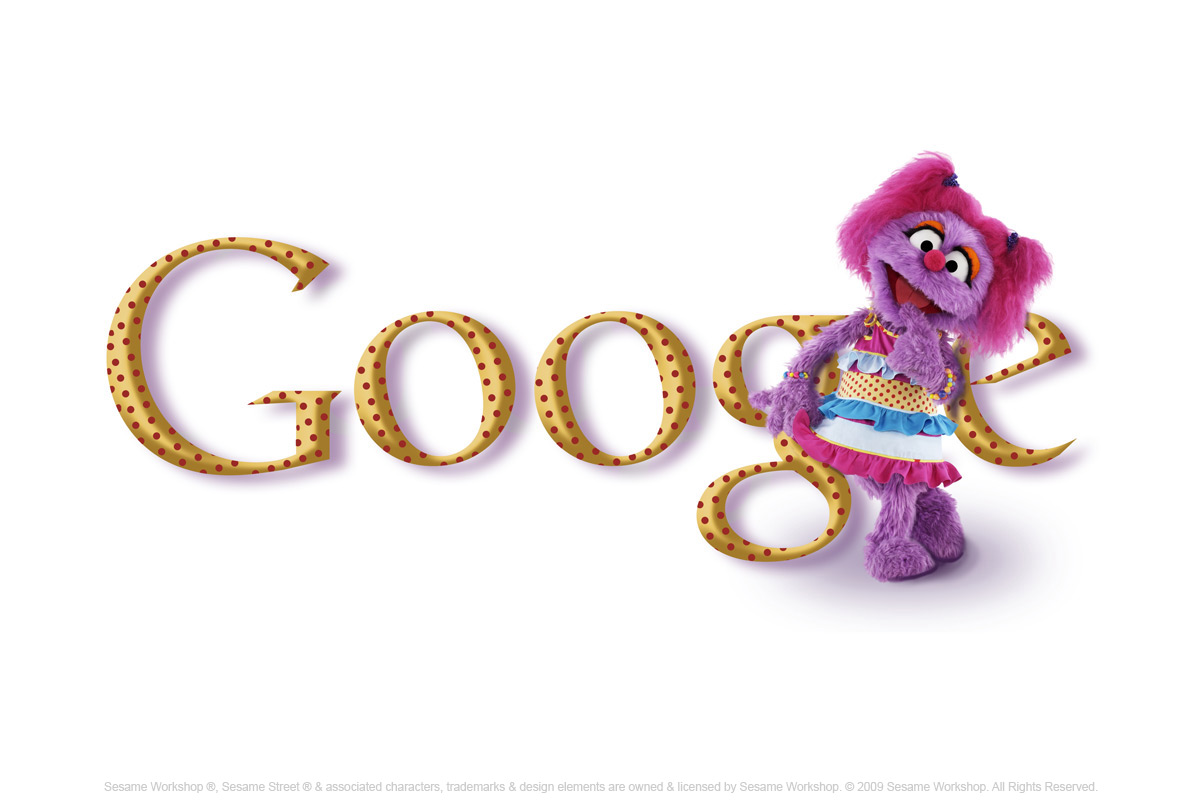
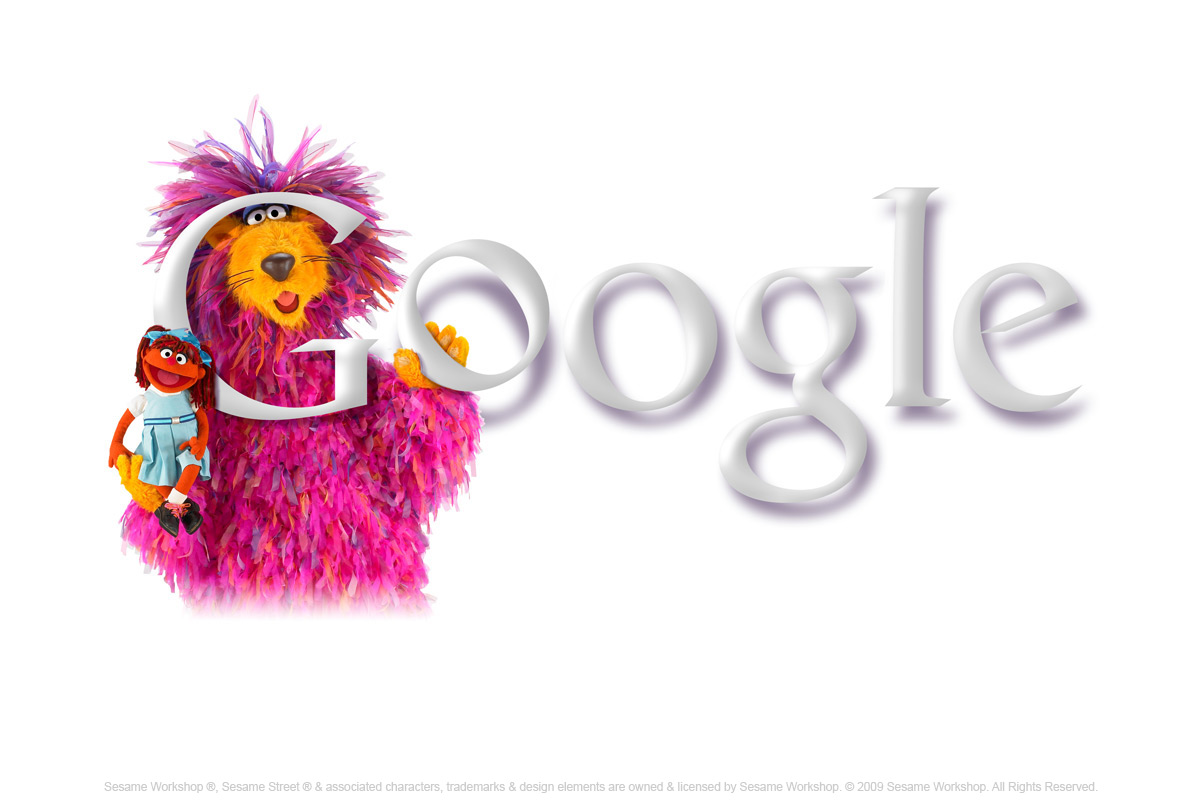
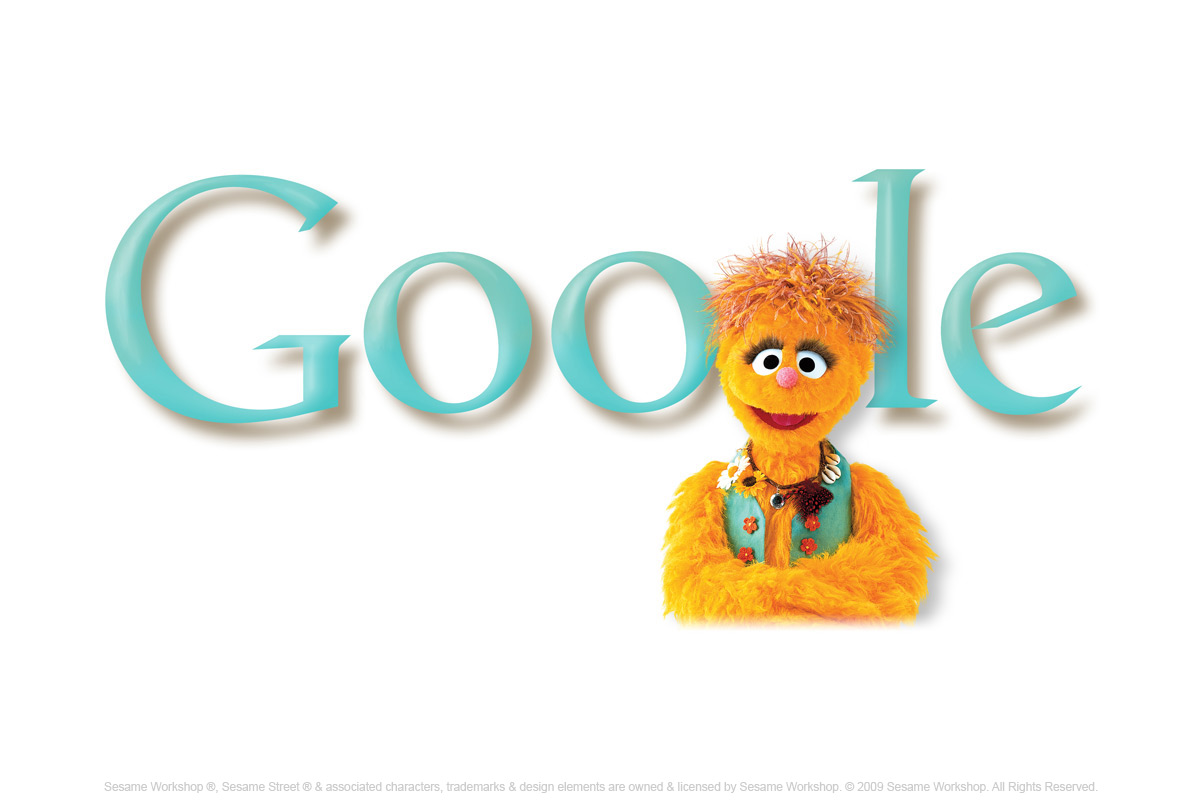
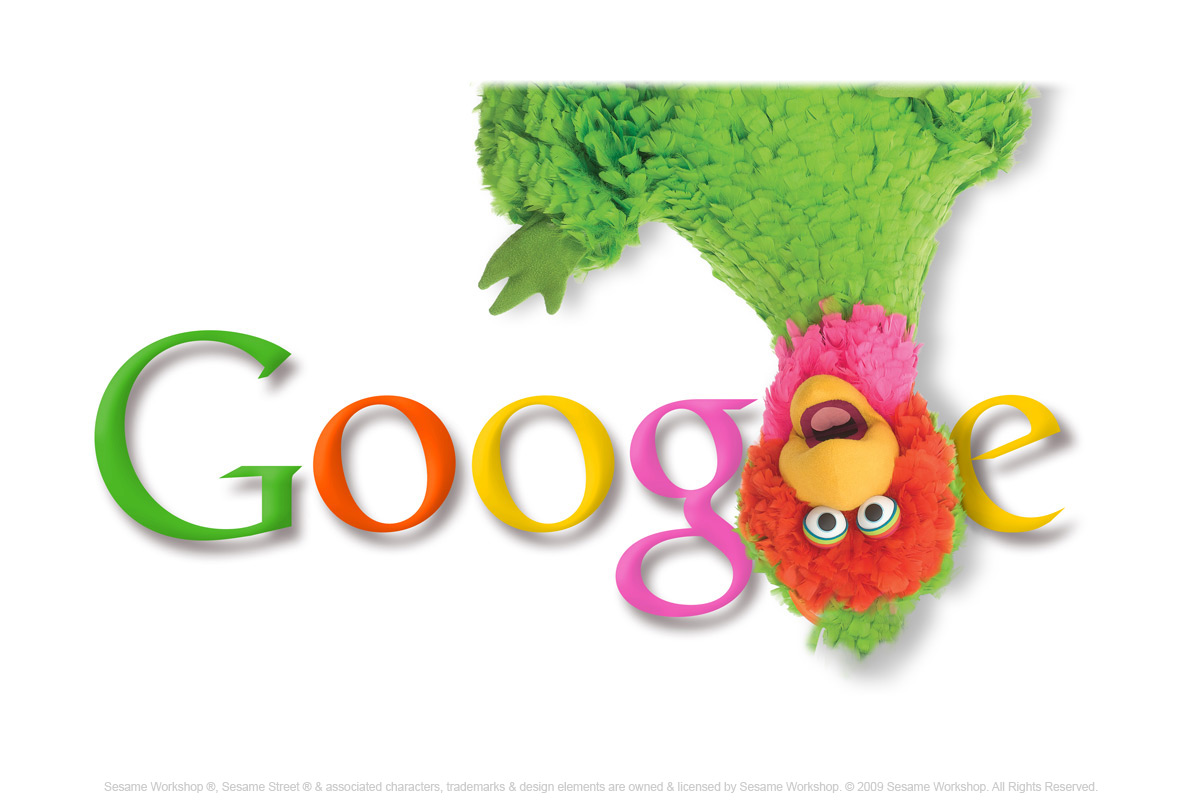
And as a Google lover, I feel the urge to share with you Google’s Sesame Street doodle series, creatively done to celebrate Sesame Street 40th anniversary today! It sure brought back fond memories of when I was a kid.
Check out the gorgeous + adorable series below. My childhood and favorite design for this series is Cookie Monster.
What’s yours?
Nov 10, 2009: Ensemble
Nov 09, 2009: Count von Count
Nov 08, 2009: Elmo
Nov 07, 2009: Oscar
Nov 06, 2009: Bert and Ernie
Nov 05, 2009: Cookie Monster
Nov 04, 2009: Big Bird
Nov 04, 2009: Abigail (Israel)
Nov 04, 2009: Leniemienie – (Netherlands, Belgium)
Eyeing to enhance its expertise in mobile advertising, internet giant Google Inc is all set to acquire mobile display ad technology provider AdMob for USD 750 million.
Google Inc has signed a definitive agreement to acquire AdMob, for USD 750 million in an all stock deal, the company said in a statement.
AdMob a leading mobile advertising firm engaged in the development of display advertising technology for mobile Internet sites.
“Mobile advertising has enormous potential as a marketing medium and while this industry is still in the early stages of development, AdMob has already made exceptional progress in a very short time,” Google Vice—President of Product Management Susan Wojcicki said.
The deal will help Google in its efforts to develop more effective tools for creating, serving and analysing emerging mobile ads formats.
Both companies have approved the transaction, which is subject to customary closing conditions.
The acquisition would enhance Google’s existing expertise and technology in mobile advertising, while giving advertisers and publishers more choice in this growing new area.
“The said acquisition will be an important moment for everyone involved in producing, consuming, or monetising engaging products on mobile,” AdMob Founder and CEO Omar Hamoui said.
Mobile web the next big thing?
With talent, cash and a large number of loyal users, Google is definitely dominating the mobile search industry. This acquisition could very well be Google’s bet towards the mobile web future.
Every rising industry brings in new opportunities. (Think: how iPhone boosted the applications industry while social sites created the sales of virtual goods)
It’s definitely a privilege to live in a time like this, when vast ideas are transformed into blue ocean industries.
Google has just unveiled a “secret project” of “next-generation architecture for Google’s web search“. This new architecture appears to include crawling, indexing, and ranking changes. For the first time, Google isn’t simply incorporating these changes into their existing infrastructure or replacing it. Instead, they’re providing a developer preview and are asking webmasters and power searchers to try it out and give them feedback. Unlike Google’s now-defunct SearchMash, which was intended for search experiments that wouldn’t necessarily be incorporated into Google’s main web search, the caffeine index seems to be an entirely new search infrastructure that will repace what exists now.
Based on the blog post, we can guess that this new infrastructure may include ways of crawling the web more comprehensively, determining reputation and authority (possibly beyond the link graph and what’s typically thought of as PageRank), and returning more relevant results more quickly, although Google’s Matt Cutts told me that the changes are “primarily in how we index”.
While the biggest visible changes in Microsoft’s relaunched search engine, Bing, are user-interface related, Google’s new search is only infrastructure related and includes no UI changes. On first glance, however, the underlying infrastructure changes do seem to have impacted user interface as it relates to universal search (likely because universal results are influenced by ranking and relevance signals). For the sample searches I did, the first ten results were fairly similar, but the existence and location of images, video, news, and blog posts was notably different.
A search for [buffy the vampire slayer] on the new infrastructure, for instance, returns video and news results midway down the page.
A search on the existing infrastructure, however, returns news at the top, video in the middle, and images at the bottom of the page.
Undoubtedly, Google Caffeine will cause quite a kerfluffle in the web developer and search engine optimization world and many will dive in to try and figure out the changes. We’ll likely see many a speculative blog post about how best to optimize for the new infrastructure, but my guess is that it likely does what Google search does, but better. And the foundational elements of having a crawlable infrastructure and compelling content remain.
All these new features are easy to implement and require no coding whatsoever. Here's a quick tour of what Friend Connect now has to offer:
* Send custom newsletters: The new "Newsletter" section of your account lets you create, send and manage newsletters. And with the help of "Interests," you can either send out newsletters to all your subscribers, or send out custom newsletters to different segments of your subscribers, based on the interest responses they submit.
* Personalized content gadget: This new Friend Connect gadget automatically presents a dynamic personalized set of links to your site's content that matches each visitor's specific interests. Is a visitor learning how to play swing music? Links to articles your site has published about playing swing are presented to him or her.
* Google ads: For those of you who display ads on your website, your Friend Connect account now includes an "AdSense" section that lets you enable Google ad units that are matched both to your site's content and to the interests users publicly share on your website.
Rio de Janeiro: A Brazilian judge has ordered Google to pay 5,000 reais ($2,847) to a woman for not removing offensive comments about her posted on the Orkut website.
Judge Marco Aurelio Froes ruled in Rio de Janeiro on Wednesday that the US-based company was liable because it did not remove the postings on the social networking site.
Marco said Google was not to blame for the statements, but it should have pulled the postings when the woman asked that they be removed due to their "offensive" content.
Google did not remove the postings until the court issued an initial order in favour of the unidentified plaintiff.
The US tech giant was initially ordered to pay 10,000 reais ($5,694), but Marco said in his latest ruling that the sum was "excessive".
Google's public relations firm said the company did not have a comment because it had not yet reviewed the ruling.
Over 4000 children drew doodles representing the Doodle 4 Google theme, 'My India', and told us what India means to them. Below, you'll see a display of our top 45 finalists. Please vote for your favourite doodle in each of the following groups:
We ask that you vote for your favourite doodle in EACH of the three groups mentioned above. Please note that you might not be able to vote more than once, so select the doodle you want to vote for carefully.
Online voting is open from 21st of October 2009 to 31st of October 2009. Thank you for voting and look out for the final winner's doodle on Google.co.in on 14th November 2009!
Judging Process
600 Semi Finalists
The best 600 doodles from across the country will be chosen via our judging criteria in each of the three age group brackets. This means that each age bracket will be equally represented.
45 Finalists
A judging panel will choose 45 top doodles (15 from each age bracket) to become our finalists. These 45 top doodles will be displayed in a gallery on this website on October 21, 2009. These will then be made available to the Indian public who can vote for the doodles they like best in each age bracket.
Judging Panel: Our judging panel will include renowned cartoonist, N.Ponnappa, young internationally acclaimed artist Raghava KK., as well as faculty and students of the National Institute of Design, Ahmedabad <http://www.nid.edu/>, our Doodle 4 Google partner institute and one of India's foremost institutions in the field of design education.
Prizes: All 45 finalists will be invited to attend the final awards ceremony in November 2009. We will cover stay and travel expenses for all 45 finalists + one adult (teacher, parent, etc). In addition, all finalists will receive a Doodle 4 Google certificate and a Google goody bag.
Final Winner
After the public online vote across the three age brackets, the final winner will be decided by Google’s original doodler, Dennis Hwang. The final winner will be announced at an awards ceremony attended by the finalists and members of our judging panel.
Prizes: The final winner will have his/her doodle displayed on the Google India homepage on November 14th 2009. He/she will also win a laptop! Finally, the winner's school will also be awarded a technology grant of Rs.1,00,000.
“We’re not trying to design the future. We’re trying to invent it along the way … This is about inventing the future, and we score ourselves based on whether our customers like it.”
“You will tend to listen to other people,” he said.
Thoughts?
It seems to me that web 2.0 is going to be leading the way for quite some time. The line between a “news content site” and “a social site” is starting to fade.
Hot favorites like Facebook, Twitter, Digg, YouTube and LinkedIn are currently dominating the web 2.0 sphere. With the bar set so high, the next “big thing” must be really innovative to grab a decent share of the market.
Twitter is fast, simple and viral. These are the ingredients for perfect real-time data sharing. By now, it should have a huge pool of data and you bet Twitter knows how valuable it is.
According to The Wall Street Journal’s All Things Digital, it was reported (from an undisclosed source) that Twitter is currently in advance talks with both Internet Titans, Google and Microsoft.
The basic idea is to license a full feed service that could then be integrated into the results of their search engines.
More from All Things Digital:
“Sources said a number of scenarios are being discussed to compensate Twitter for its huge and potentially valuable trove of real-time and content-sharing information, generated from the data stream of billions of tweets from its 54 million monthly users.
These include a number of structures, including a payment of several million dollars to Twitter, along with various revenue-sharing proposals that would give Twitter a piece of the revenue made from search results.
The deals, stressed sources close to the situation, are nonexclusive, especially because Twitter’s management is keen to remain independent and also nonpartisan in the growing search battle between Google (GOOG) and Microsoft (MSFT).”
Take it with a pinch of salt
It is indeed good news for Twitter supporters. Being able to license data feeds to Google and Microsoft will not only provide the much needed revenue source, but also greatly increase Twitter’s online presence.
With that, remember to take this piece of news with a pinch of salt. The same undisclosed source also mentioned that the talks might not lead to any final agreement with either parties.
I’m currently exploring features of Google wave and how can I make my life easier with Google wave. One of the great feature is directly tweet using Google wave.
In this tutorial I will show you step by step how can you use it to tweet from Google wave.
Once you are inside your Google wave, click on add contacts at the left side panel and add following address.
Click on Submit and add Tweety wave in your contacts.
Now click on tweety The twietbot from your contact panel, on the left sidebar and click on new wave. It will ask you for authentication and authenticate using your twitter ID. Follow the simple screenshots :
And if you have done everything right you can directly tweet from Google Wave. Make sure your pop up blocker is not blocking Twitter authentication pop up.
Till now I’m enjoying the new Google wave application and I’m sure many new features will be seen in near future. I will keep updating you about what all you can do with Twitter wave.
Google Chrome is a browser engineered to make surfing the web faster, safer, and easier. And now it does all that in style, with themes designed by top artists.


 Google Wave is not available to everyone just yet. It is currently in a limited preview. So I was surprised when I saw a comprehensive guide (book) to Google Wave. I thought the book was just another social media tools or stuff, you know, like the ones social media marketers on Twitter are tricking you t buy. I’m glad I did a quick scan (yup, quicker than a quick skim) over the chapters.









 Agatha Ruiz de la Prada
 Anita Kunz
 Anna Sui
 Boa Mistura
 Christophe Lopez-Huici
 David Bohm
 Dolce & Gabbana
 Donna Karan
 Dil Bole Hadippa
 Dil To Pagal Hai
 Dilwale Dulhania Le Jayenge
 Love Aaj Kal
 New York
 Pyaar Impossible
 Edward Monkton
 Jeff Koons
 Jenny Holzer
 Jonathan Adler
 Karim Rashid
 Kate Spade
 Kid Robot
 Mariah Carey
 Marc Ecko
 Michael Graves
 Oscar de la Renta
 Porsche
 Florencio Zavala
 Todd Oldham
 Vivienne Westwood
 Wes Craven
 Yann Arthus-Bertrand
 Yulia Brodskaya